

AI Model Enable Settings
SamuraiAX allows you to control which LLM models are available in each space. Space administrators can disable specific models to manage costs and enforce security policies at the space level.
Features
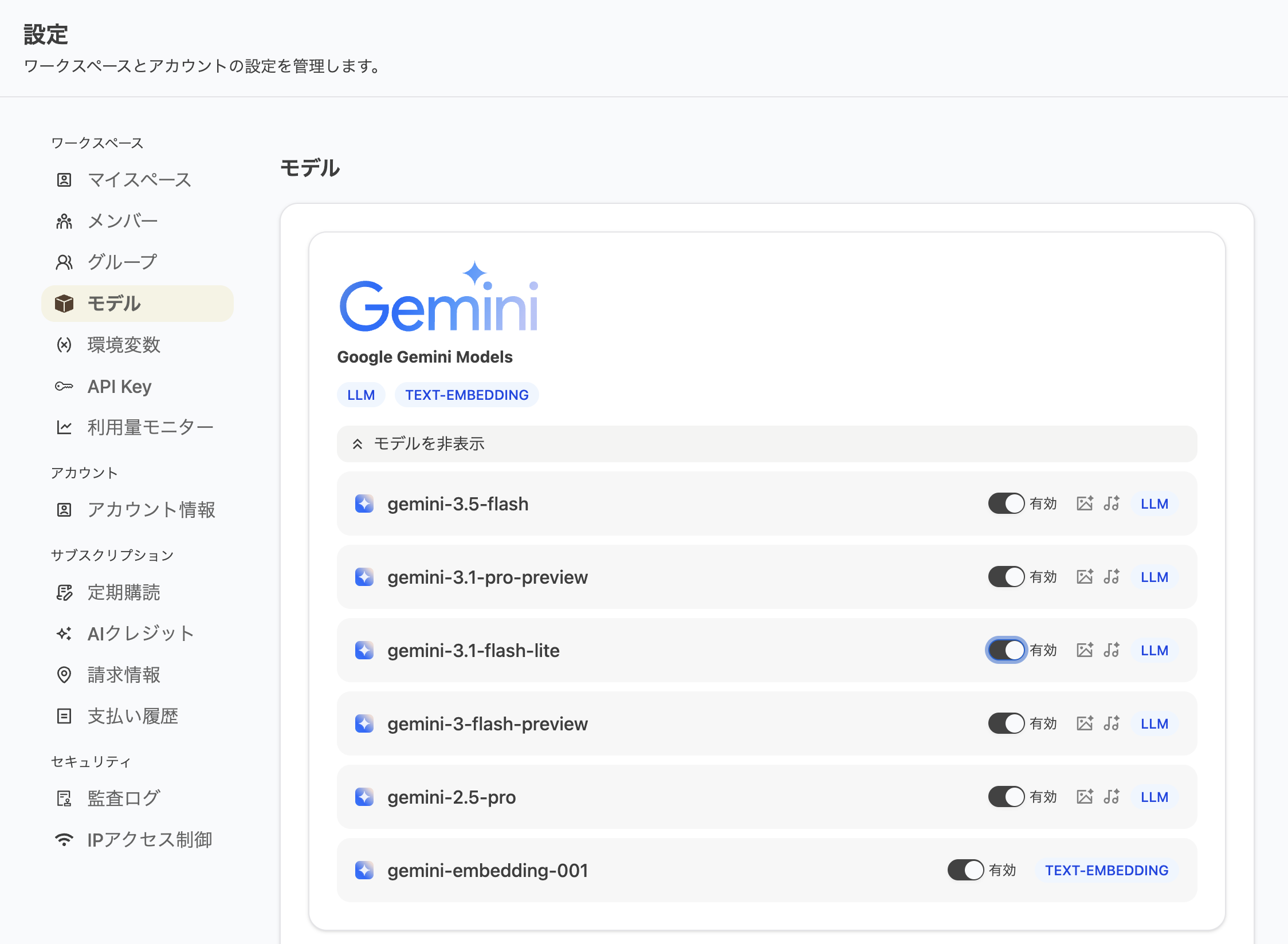
Section titled “Features”- Enable or disable models per space using toggle switches
- Disabled models cannot be selected in workflow model pickers
- Workflows that use a disabled model will show an error on execution
- Models without a configuration record are enabled by default (all models available)
Permissions
Section titled “Permissions”This setting is only available to users with the Admin role. The toggle switch is not displayed for regular members.
How to Configure
Section titled “How to Configure”- Open Settings from the account menu in the top-right corner
- Select the Model tab from the sidebar
- Toggle each model ON or OFF to enable or disable it
Last updated: